
The UI Kit components library provides a comprehensive set of pre-built, customizable components that you can use to build your own custom meeting interface.
Component Gallery
Search through the comoponent gallery for the component you need.
Basic Components
Small, reusable building blocks for your UI.

RtkAvatar
RtkAudioVisualizer
RtkButton
RtkClock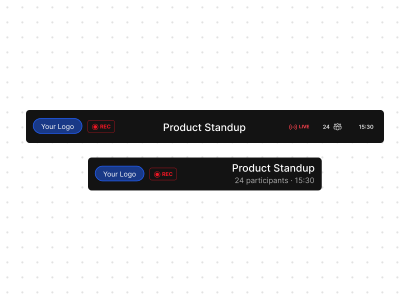
RtkHeader
RtkLogo
RtkMeetingTitle
RtkRecordingIndicator
RtkSpinner
RtkSwitch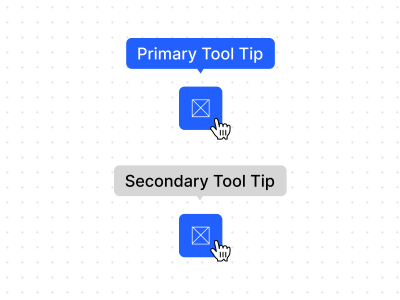
RtkTooltip
RtkSpeakerSelector
RtkMicrophoneSelector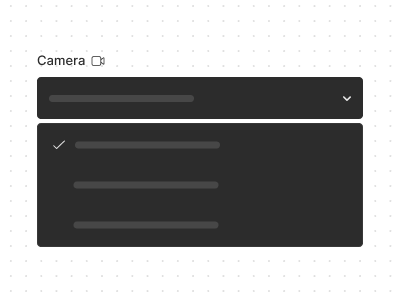
RtkCameraSelectorUI Components
Interactive controls and interface elements.
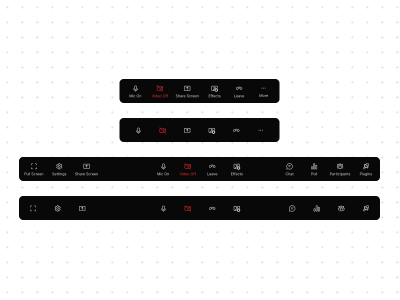
RtkControlbar
RtkControlbarButton
RtkDialog
RtkEmojiPicker
RtkGridPagination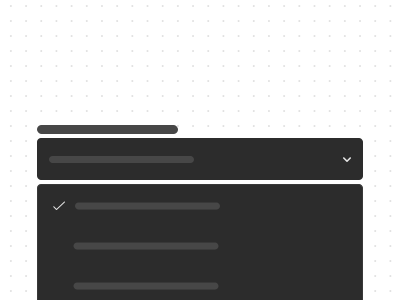
RtkMenu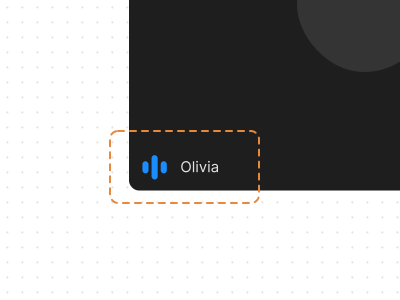
RtkNameTag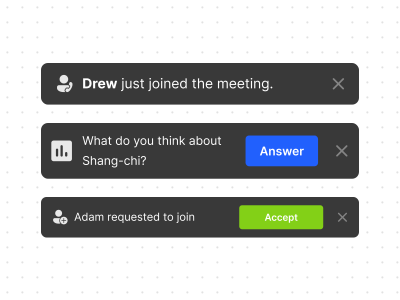
RtkNotification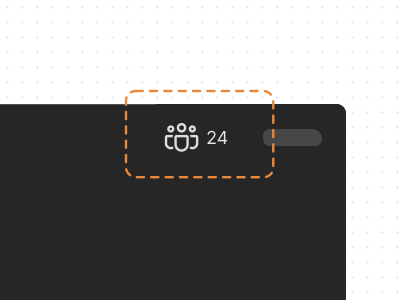
RtkParticipantCount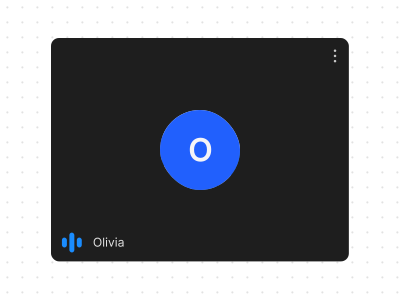
RtkParticipantTile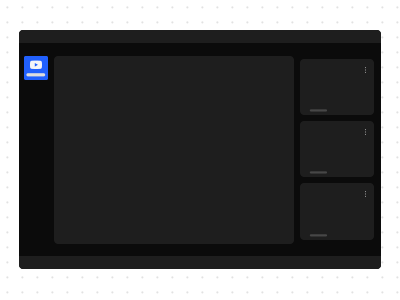
RtkPluginMainComposite Components
Complete, feature-rich components combining multiple elements.
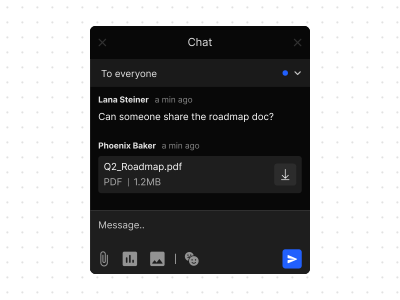
RtkChat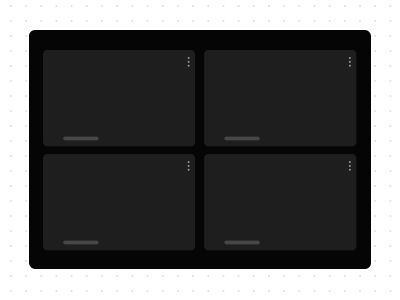
RtkGrid
RtkImageViewer
RtkLeaveMeeting
RtkMixedGrid
RtkParticipantsRtkParticipantsStageList
RtkParticipantsStageQueue
RtkPolls
RtkParticipantsAudio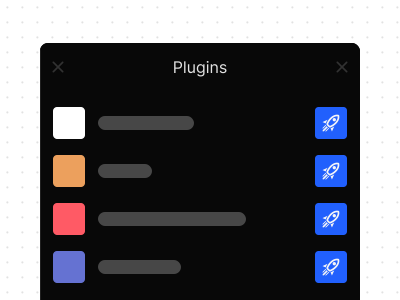
RtkPlugins
RtkScreenshareView
RtkSettingsRtkSettingsAudio
RtkSettingsVideo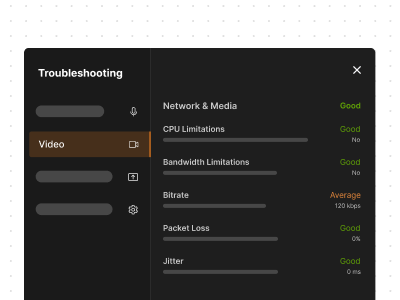
RtkDebugger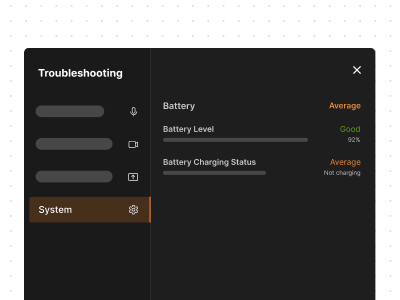
RtkDebuggerSystem
RtkDebuggerAudioRtkDebuggerVideo
RtkDebuggerScreenshare
RtkSidebar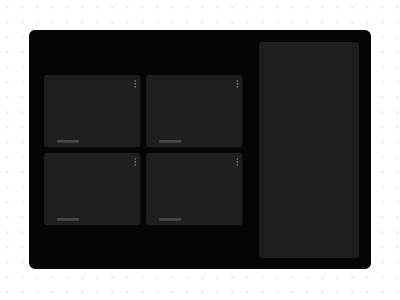
RtkSimpleGrid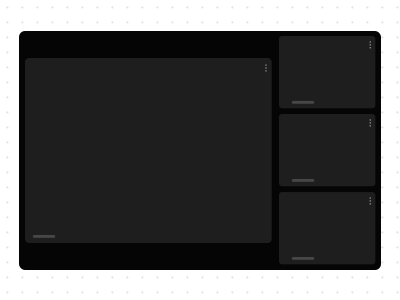
RtkSpotlightGrid
RtkBreakoutRoomManager
RtkBreakoutRoomsManager
RtkBreakoutRoomToggleScreen Components
Full-screen views for different meeting states.
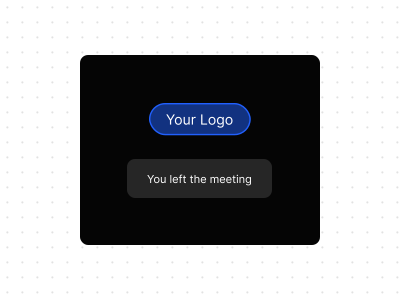
RtkEndedScreen
RtkWaitingScreen
RtkIdleScreen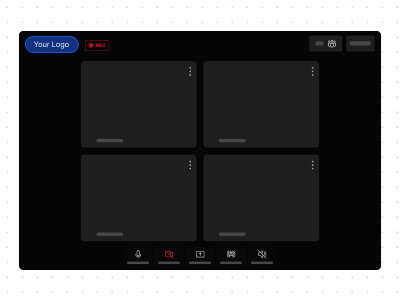
RtkMeeting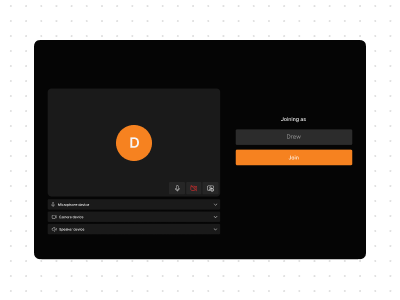
RtkSetupScreen