
Enable automatic cloudflared authentication
When users connect to an Access application through cloudflared, the browser prompts them to allow access by displaying this page:
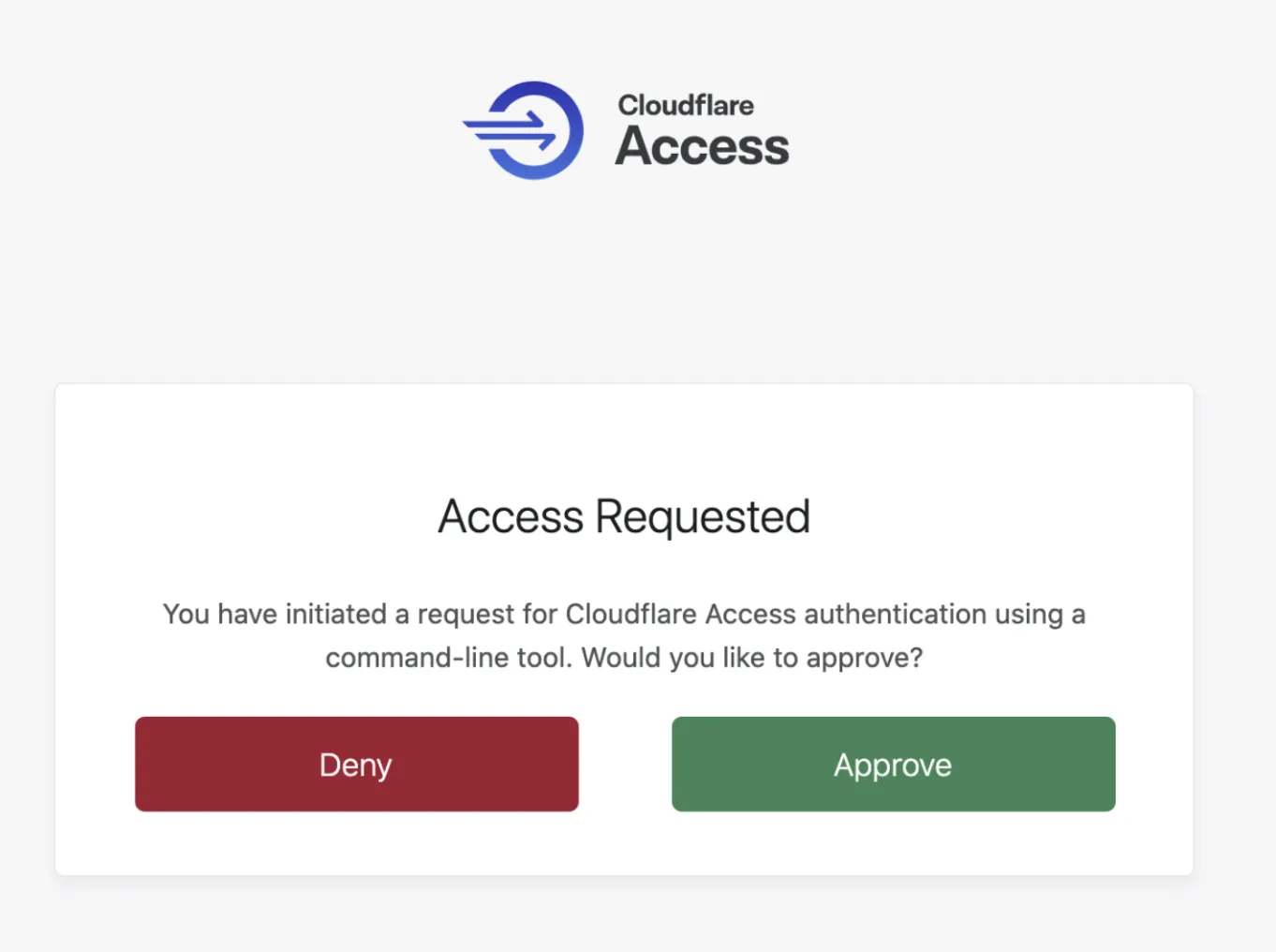
Automatic cloudflared authentication allows users to skip this login page if they already have an active IdP session.
To enable automatic cloudflared authentication:
- In Cloudflare One ↗, go to Access controls > Applications.
- Locate your application and select Configure.
- Go to Basic information > Browser rendering settings.
- Turn on Allow automatic Cloudflared authentication.
- Select Save application.
This option will still prompt a browser window in the background, but authentication will now happen automatically.