Skip to content

Changelog

New updates and improvements at Cloudflare.

Access
hero image
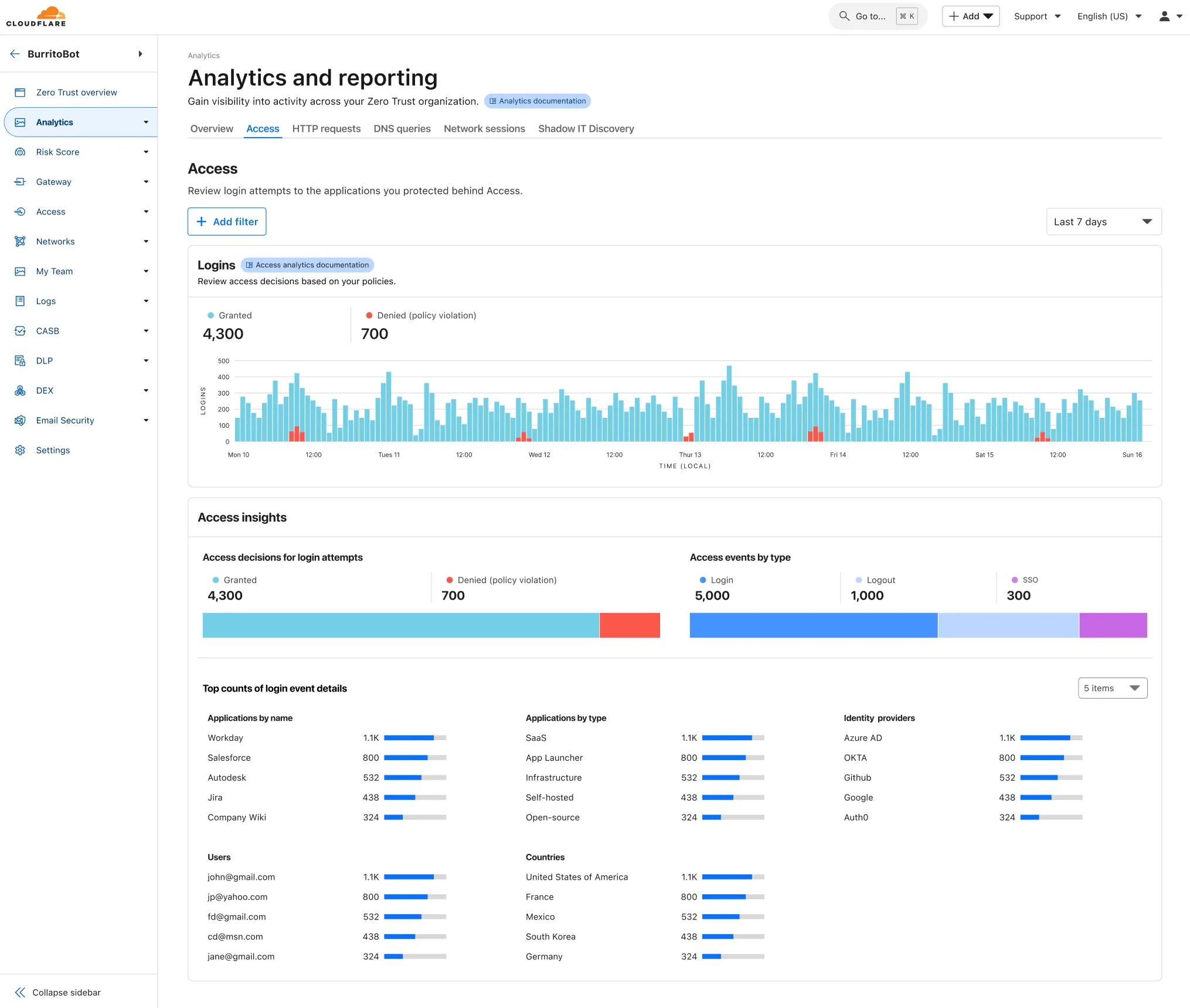
  1. Cloudflare One now offers powerful new analytics dashboards to help customers easily discover available insights into their application access and network activity. These dashboards provide a centralized, intuitive view for understanding user behavior, application usage, and security posture.

    ![Cloudflare One Analytics Dashboards](~/assets/images/changelog/cloudflare-one/Analytics Dashboards.png)

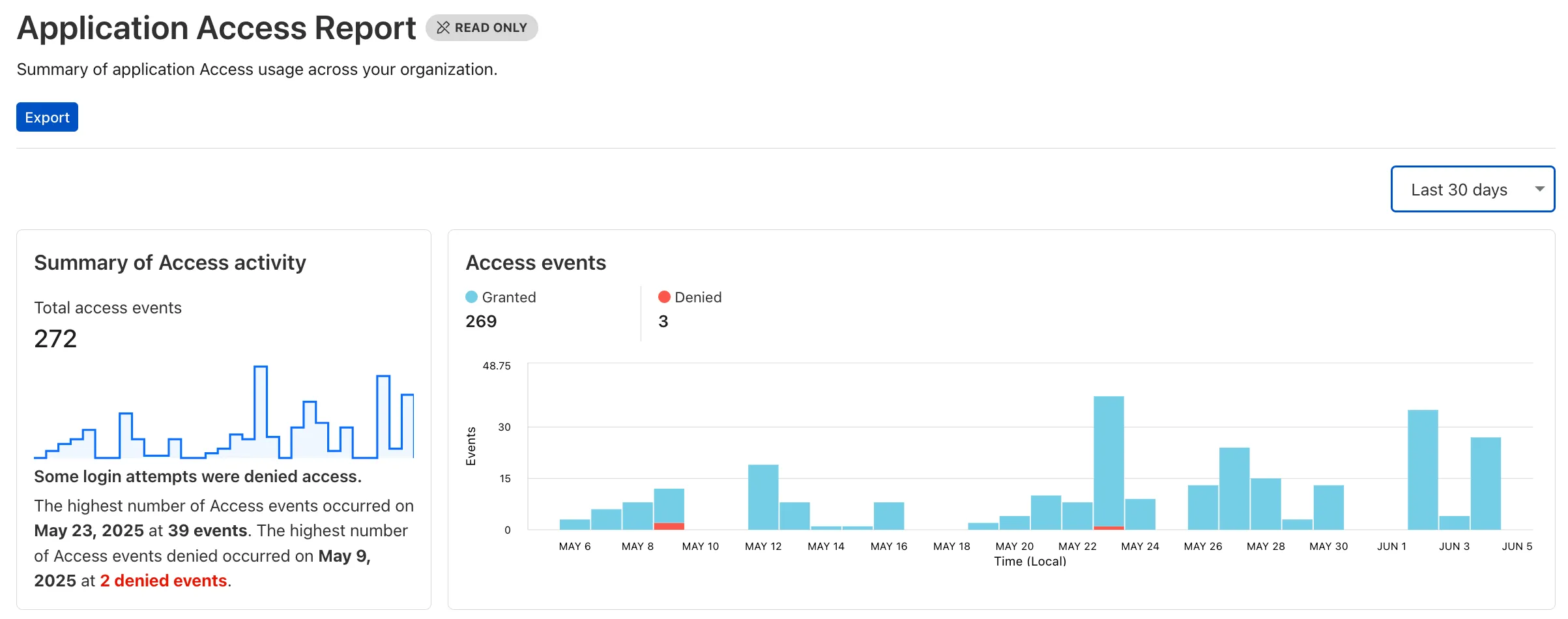
    Additionally, a new exportable access report is available, allowing customers to quickly view high-level metrics and trends in their application access. A preview of the report is shown below, with more to be found in the report:

    Cloudflare One Analytics Dashboards

    Both features are accessible in the Cloudflare Zero Trust dashboard, empowering organizations with better visibility and control.

  1. A new Access Analytics dashboard is now available to all Cloudflare One customers. Customers can apply and combine multiple filters to dive into specific slices of their Access metrics. These filters include:

    • Logins granted and denied
    • Access events by type (SSO, Login, Logout)
    • Application name (Salesforce, Jira, Slack, etc.)
    • Identity provider (Okta, Google, Microsoft, onetimepin, etc.)
    • Users (chris@cloudflare.com, sally@cloudflare.com, rachel@cloudflare.com, etc.)
    • Countries (US, CA, UK, FR, BR, CN, etc.)
    • Source IP address
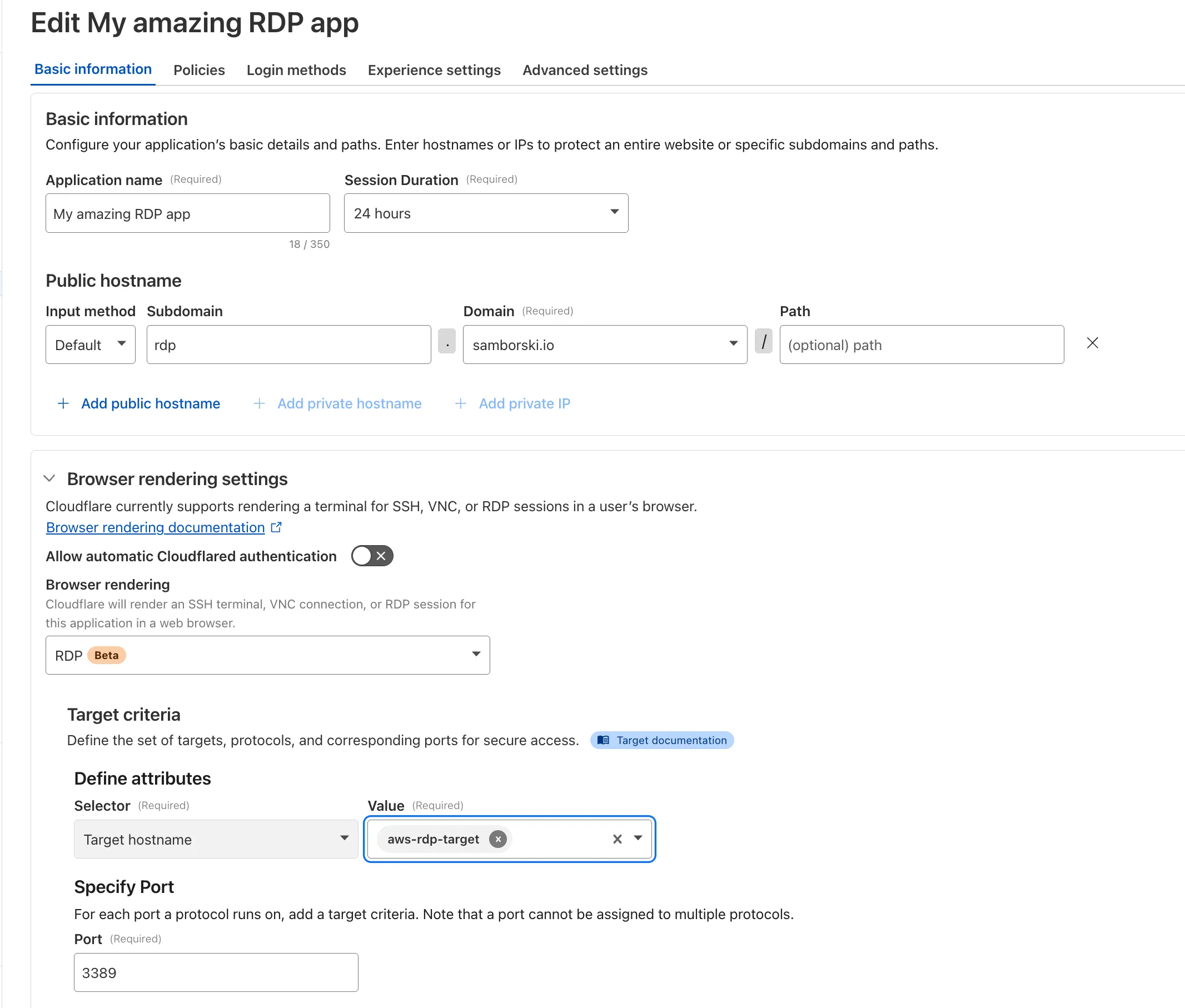
    • App type (self-hosted, Infrastructure, RDP, etc.)
    Access Analytics

    To access the new overview, log in to your Cloudflare Zero Trust dashboard and find Analytics in the side navigation bar.

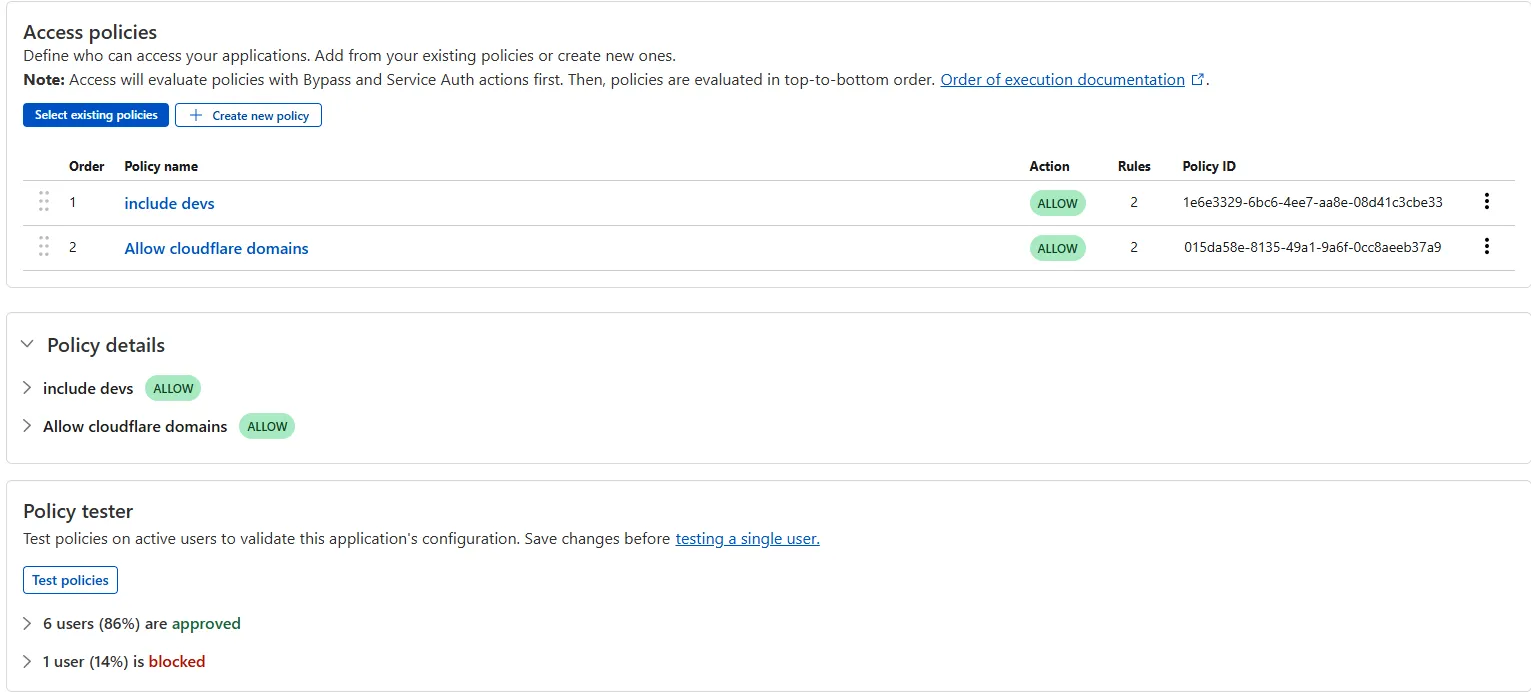
  1. The Access bulk policy tester is now available in the Cloudflare Zero Trust dashboard. The bulk policy tester allows you to simulate Access policies against your entire user base before and after deploying any changes. The policy tester will simulate the configured policy against each user's last seen identity and device posture (if applicable).

    Example policy tester
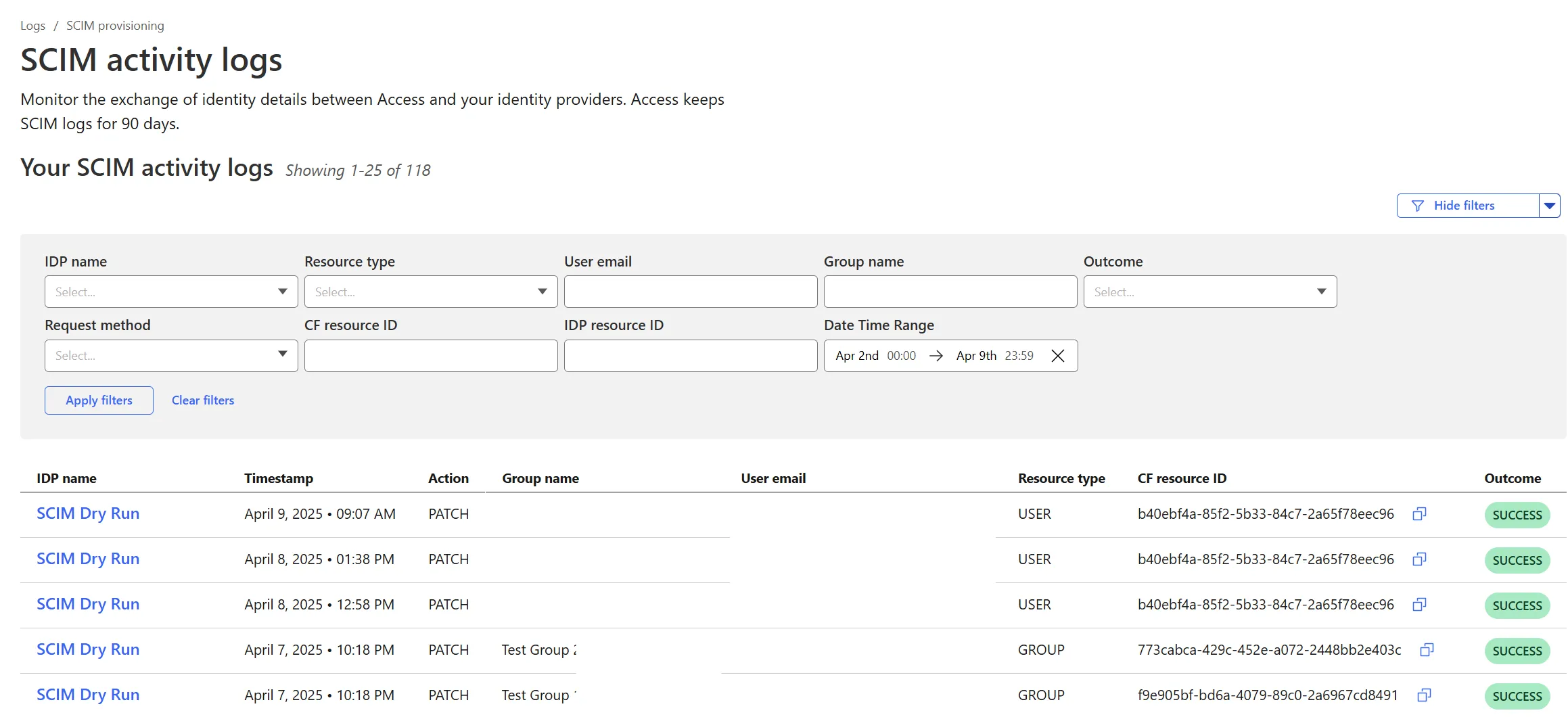
  1. Cloudflare Zero Trust SCIM provisioning now has a full audit log of all create, update and delete event from any SCIM Enabled IdP. The SCIM logs support filtering by IdP, Event type, Result and many more fields. This will help with debugging user and group update issues and questions.

    SCIM logs can be found on the Zero Trust Dashboard under Logs -> SCIM provisioning.

    Example SCIM Logs
  1. Access for SaaS applications now include more configuration options to support a wider array of SaaS applications.

    SAML and OIDC Field Additions

    OIDC apps now include:

    • Group Filtering via RegEx
    • OIDC Claim mapping from an IdP
    • OIDC token lifetime control
    • Advanced OIDC auth flows including hybrid and implicit flows
    OIDC field additions

    SAML apps now include improved SAML attribute mapping from an IdP.

    SAML field additions

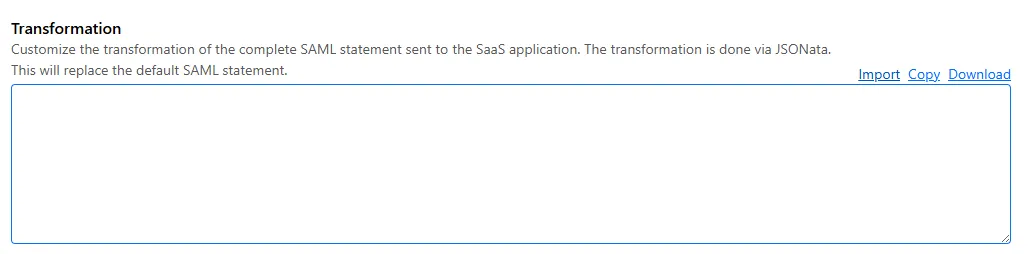
    SAML transformations

    SAML identities sent to Access applications can be fully customized using JSONata expressions. This allows admins to configure the precise identity SAML statement sent to a SaaS application.

    Configured SAML statement sent to application
  1. Cloudflare now allows you to send SSH command logs to storage destinations configured in Logpush, including third-party destinations. Once exported, analyze and audit the data as best fits your organization! For a list of available data fields, refer to the SSH logs dataset.

    To set up a Logpush job, refer to Logpush integration.

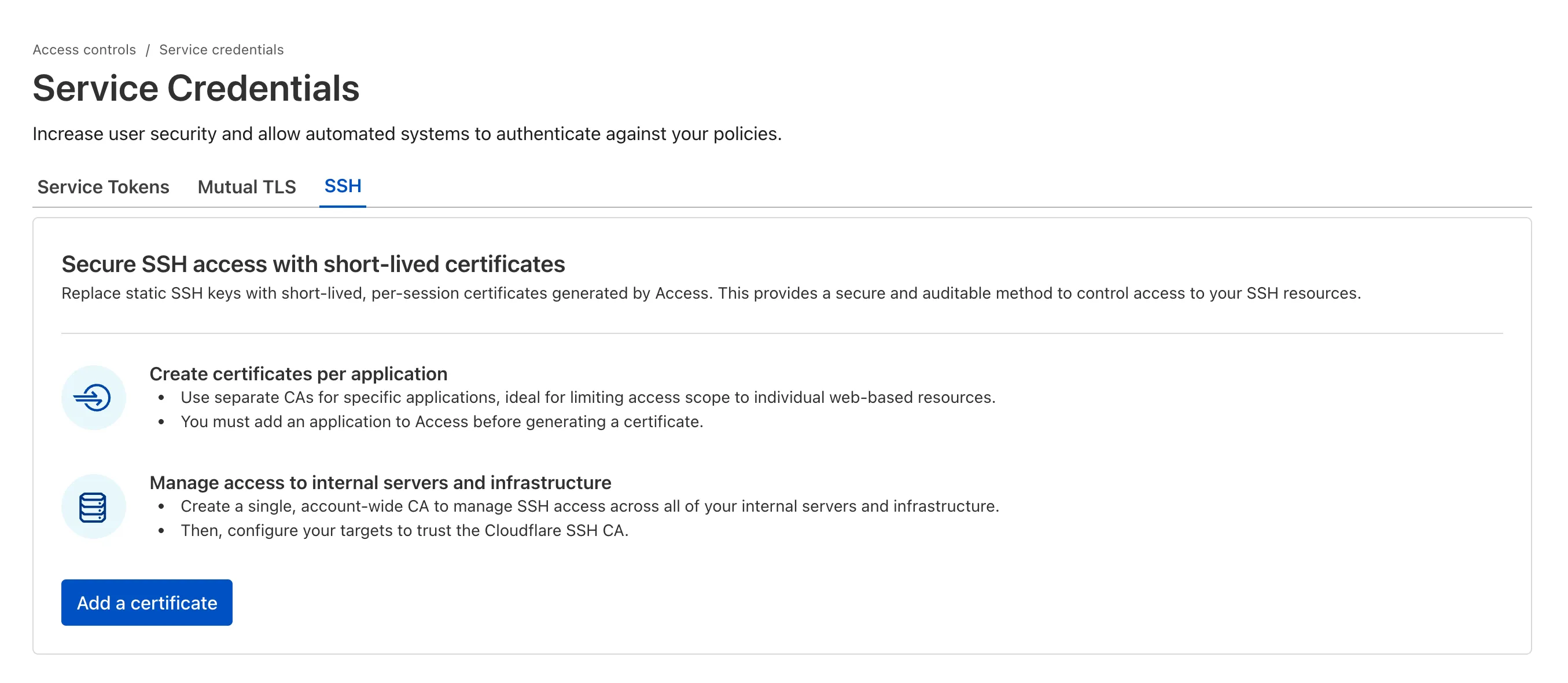
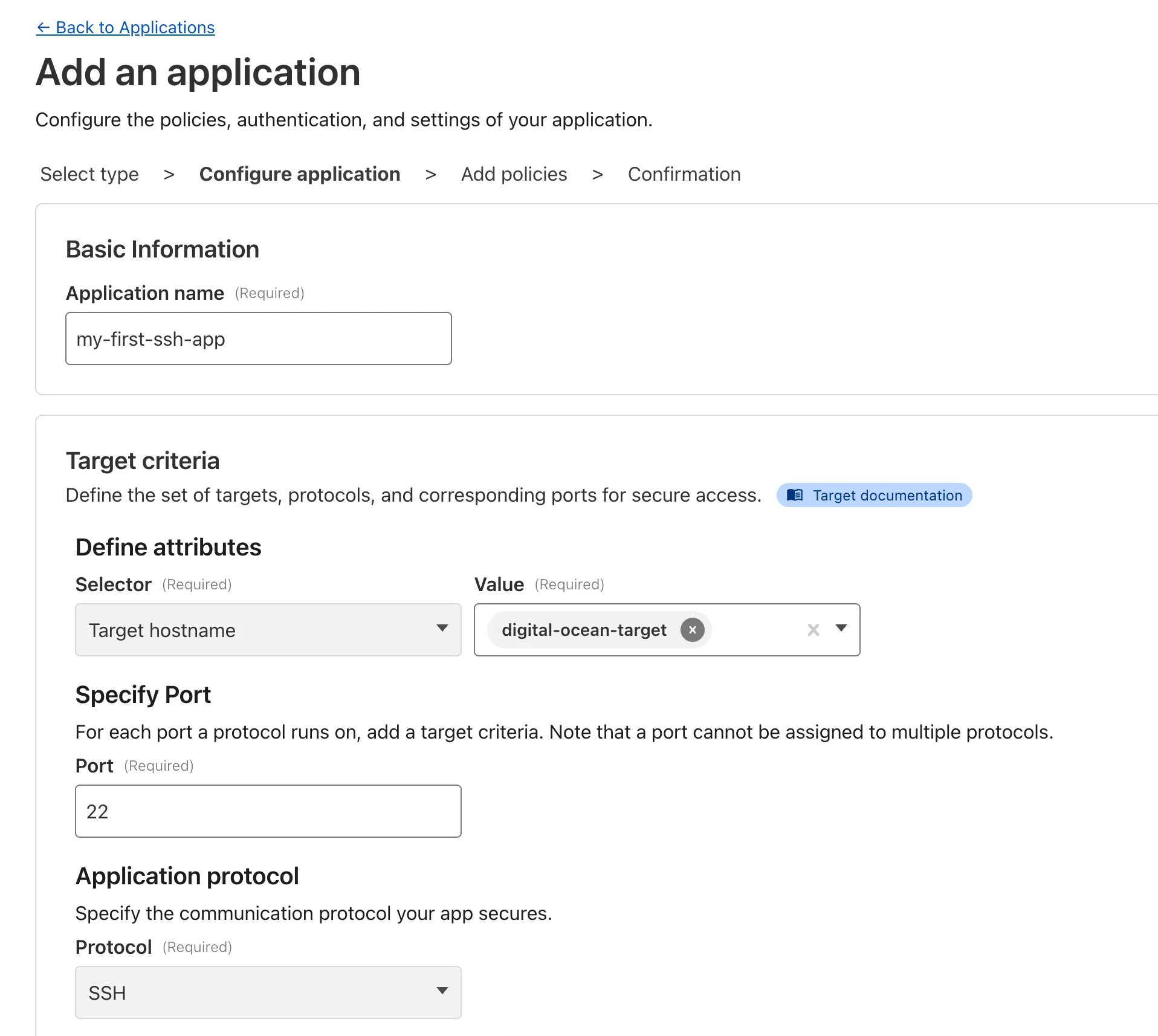
  1. Organizations can now eliminate long-lived credentials from their SSH setup and enable strong multi-factor authentication for SSH access, similar to other Access applications, all while generating access and command logs.

    SSH with Access for Infrastructure uses short-lived SSH certificates from Cloudflare, eliminating SSH key management and reducing the security risks associated with lost or stolen keys. It also leverages a common deployment model for Cloudflare One customers: WARP-to-Tunnel.

    SSH with Access for Infrastructure enables you to:

    • Author fine-grained policy to control who may access your SSH servers, including specific ports, protocols, and SSH users.
    • Monitor infrastructure access with Access and SSH command logs, supporting regulatory compliance and providing visibility in case of security breach.
    • Preserve your end users' workflows. SSH with Access for Infrastructure supports native SSH clients and does not require any modifications to users’ SSH configs.
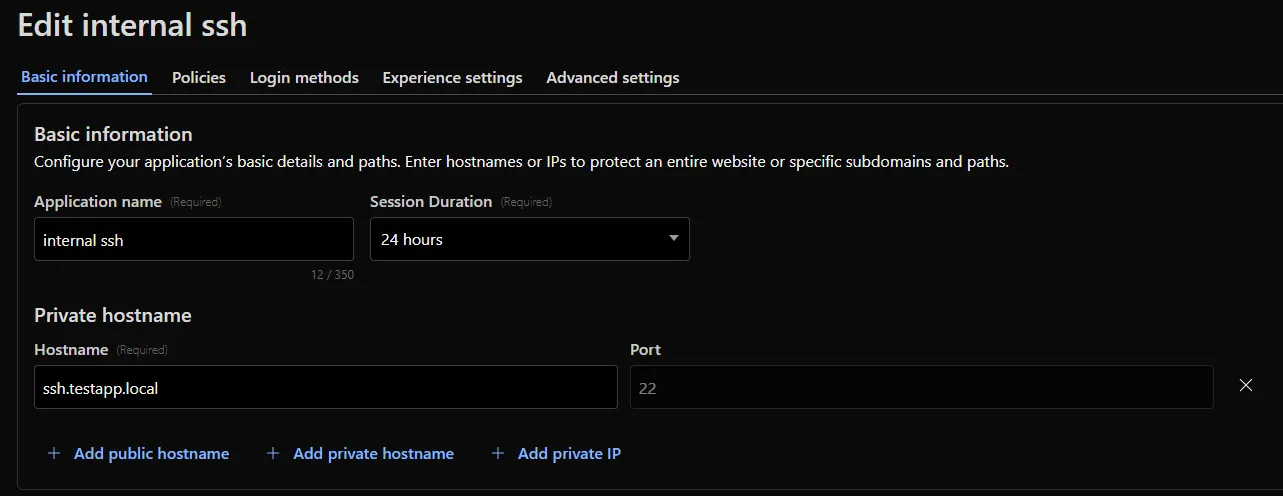
    Example of an infrastructure Access application

    To get started, refer to SSH with Access for Infrastructure.