
Changelog
Cloudflare One Product Name Updates
We are updating naming related to some of our Networking products to better clarify their place in the Zero Trust and Secure Access Service Edge (SASE) journey.
We are retiring some older brand names in favor of names that describe exactly what the products do within your network. We are doing this to help customers build better, clearer mental models for comprehensive SASE architecture delivered on Cloudflare.
- Magic WAN → Cloudflare WAN
- Magic WAN IPsec → Cloudflare IPsec
- Magic WAN GRE → Cloudflare GRE
- Magic WAN Connector → Cloudflare One Appliance
- Magic Firewall → Cloudflare Network Firewall
- Magic Network Monitoring → Network Flow
- Magic Cloud Networking → Cloudflare One Multi-cloud Networking
No action is required by you — all functionality, existing configurations, and billing will remain exactly the same.
For more information, visit the Cloudflare One documentation.
Network Services navigation update
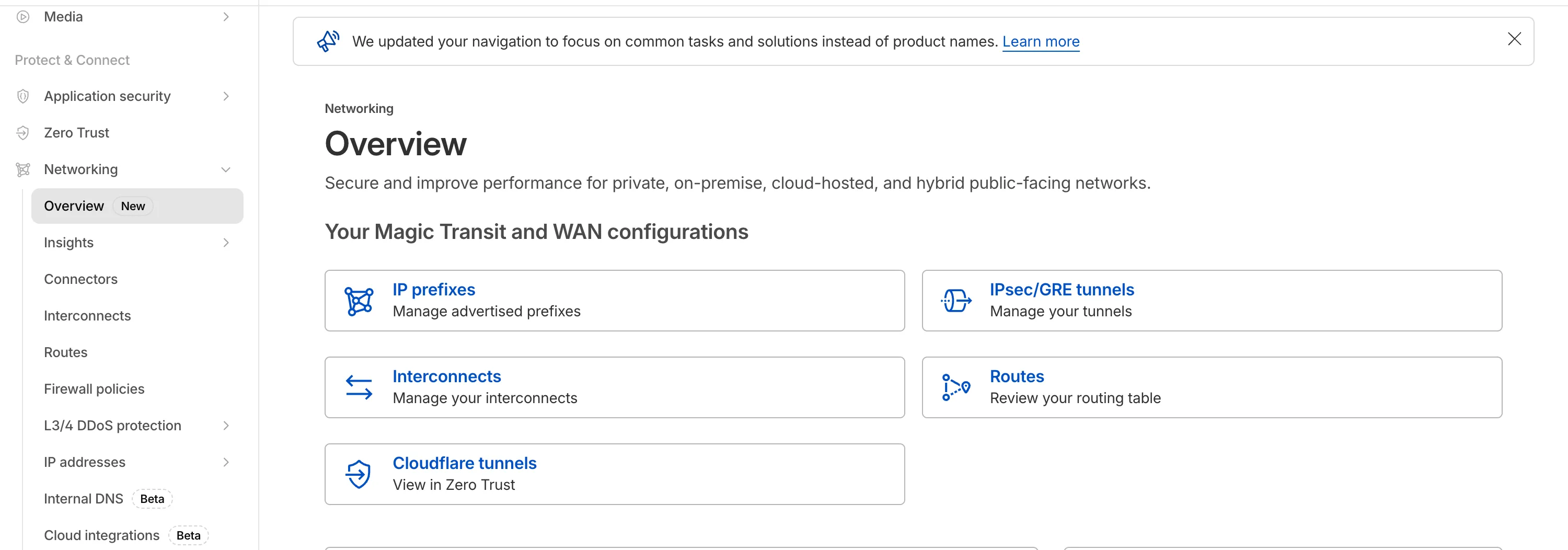
The Network Services menu structure in Cloudflare's dashboard has been updated to reflect solutions and capabilities instead of product names. This will make it easier for you to find what you need and better reflects how our services work together.
Your existing configurations will remain the same, and you will have access to all of the same features and functionality.
The changes visible in your dashboard may vary based on the products you use. Overall, changes relate to Magic Transit ↗, Magic WAN ↗, and Magic Firewall ↗.
Summary of changes:
- A new Overview page provides access to the most common tasks across Magic Transit and Magic WAN.
- Product names have been removed from top-level navigation.
- Magic Transit and Magic WAN configuration is now organized under Routes and Connectors. For example, you will find IP Prefixes under Routes, and your GRE/IPsec Tunnels under Connectors.
- Magic Firewall policies are now called Firewall Policies.
- Magic WAN Connectors and Connector On-Ramps are now referenced in the dashboard as Appliances and Appliance profiles. They can be found under Connectors > Appliances.
- Network analytics, network health, and real-time analytics are now available under Insights.
- Packet Captures are found under Insights > Diagnostics.
- You can manage your Sites from Insights > Network health.
- You can find Magic Network Monitoring under Insights > Network flow.
If you would like to provide feedback, complete this form ↗. You can also find these details in the January 7, 2026 email titled [FYI] Upcoming Network Services Dashboard Navigation Update.
Try out Magic Network Monitoring
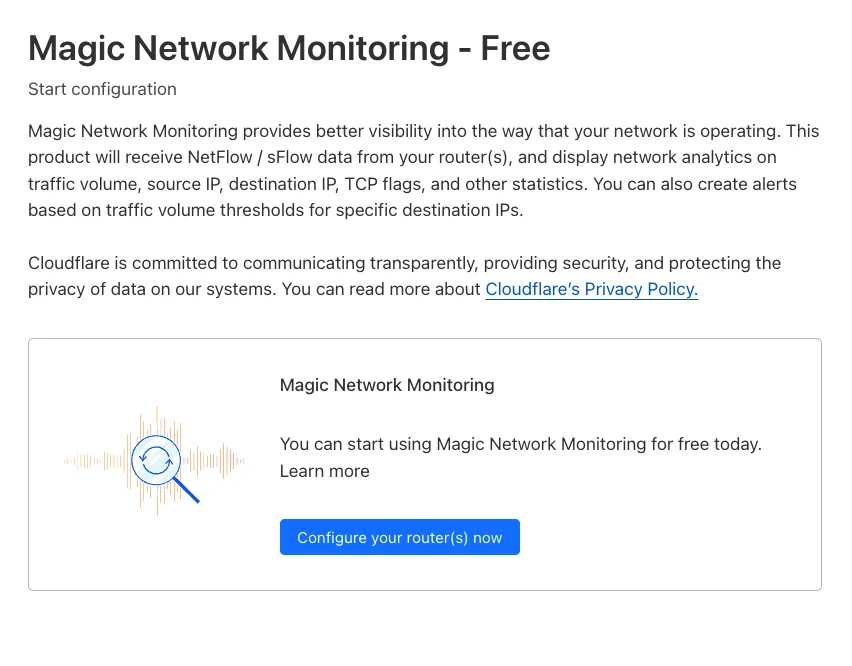
The free version of Magic Network Monitoring (MNM) is now available to everyone with a Cloudflare account by default.
- Log in to your Cloudflare dashboard ↗, and select your account.
- Go to Analytics & Logs > Magic Monitoring.
For more details, refer to the Get started guide.