
Changelog
New updates and improvements at Cloudflare.

The Cloudflare Zero Trust dashboard ↗ now supports Cloudflare's native dark mode for all accounts and plan types.
Zero Trust Dashboard will automatically accept your user-level preferences for system settings, so if your Dashboard appearance is set to 'system' or 'dark', the Zero Trust dashboard will enter dark mode whenever the rest of your Cloudflare account does.
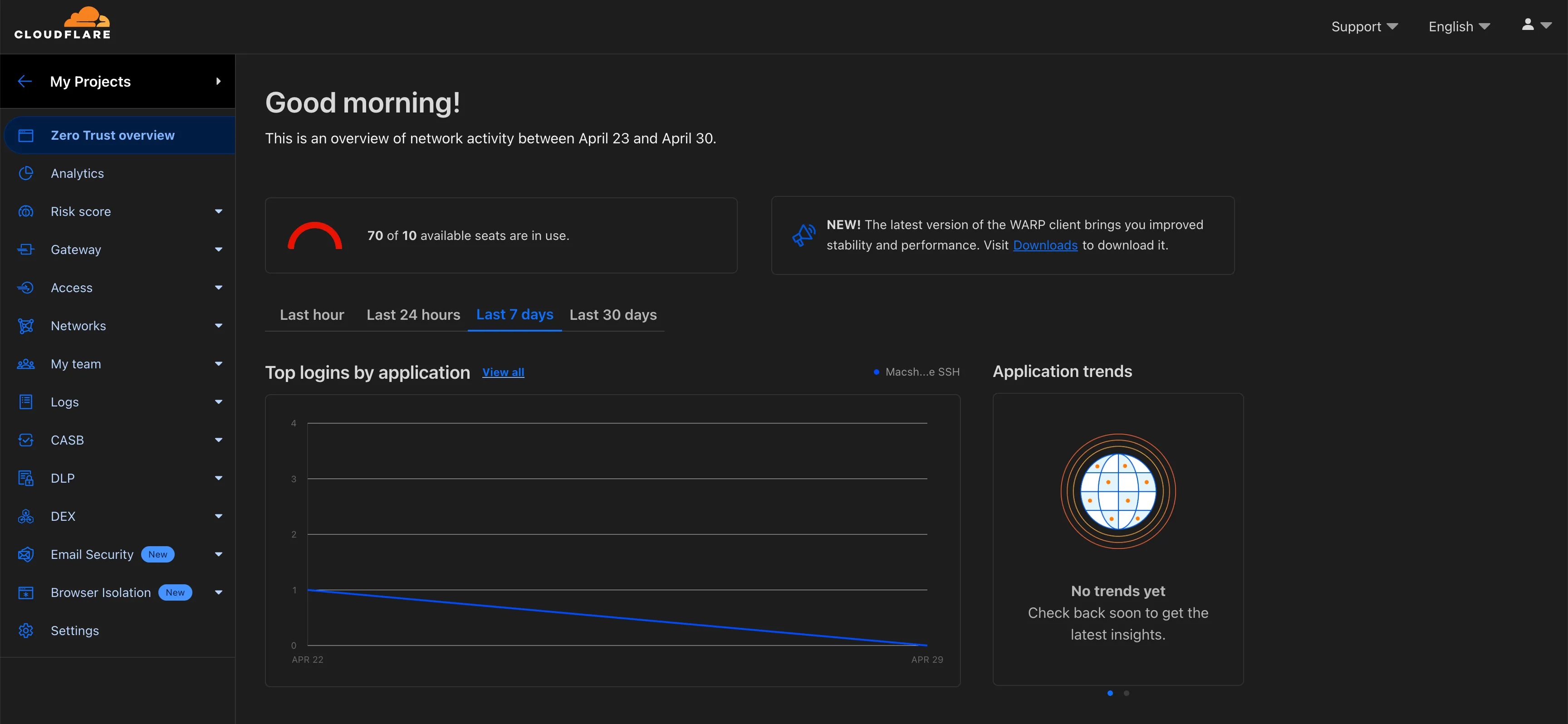
To update your view preference in the Zero Trust dashboard:
- Log into the Zero Trust dashboard ↗.
- Select your user icon.
- Select Dark Mode.
To update your view preference in the Core dashboard:
- Log into the Cloudflare dashboard ↗.
- Go to My Profile
- For Appearance, choose Dark.
Cloudflare One Appliance DHCP server settings now support specifying multiple DNS server IP addresses in the DHCP pool.
Previously, customers could only configure a single DNS server per DHCP pool. With this update, you can specify multiple DNS servers to provide redundancy for clients at branch locations.
For configuration details, refer to DHCP server.
You can now locally configure your Magic WAN Connector to work in a static IP configuration.
This local method does not require having access to a DHCP Internet connection. However, it does require being comfortable with using tools to access the serial port on Magic WAN Connector as well as using a serial terminal client to access the Connector's environment.
For more details, refer to WAN with a static IP address.