

Browser Run adds WebMCP support
Browser Run (formerly Browser Rendering) now supports WebMCP ↗ (Web Model Context Protocol), a new browser API from the Google Chrome team.
The Internet was built for humans, so navigating as an AI agent today is unreliable. WebMCP lets websites expose structured tools for AI agents to discover and call directly. Instead of slow screenshot-analyze-click loops, agents can call website functions like searchFlights() or bookTicket() with typed parameters, making browser automation faster, more reliable, and less fragile.
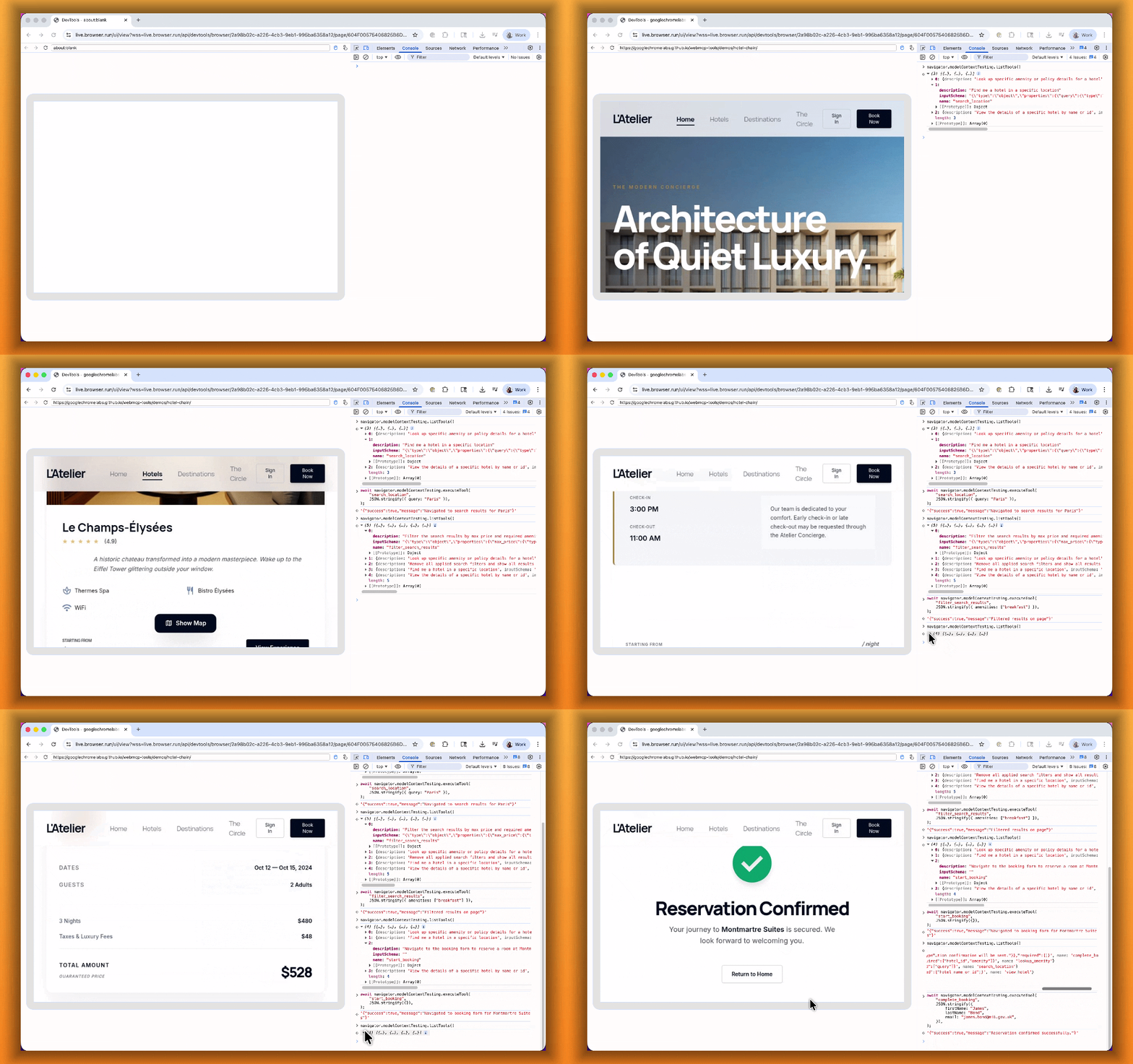
With WebMCP, you can:
- Discover website tools - Use
navigator.modelContextTesting.listTools()to see available actions on any WebMCP-enabled site - Execute tools directly - Call
navigator.modelContextTesting.executeTool()with typed parameters - Handle human-in-the-loop interactions - Some tools pause for user confirmation before completing sensitive actions
WebMCP requires Chrome beta features. We have an experimental pool with browser instances running Chrome beta so you can test emerging browser features before they reach stable Chrome. To start a WebMCP session, add lab=true to your /devtools/browser request:
curl -X POST "https://api.cloudflare.com/client/v4/accounts/{account_id}/browser-rendering/devtools/browser?lab=true&keep_alive=300000" \ -H "Authorization: Bearer {api_token}"Combined with the recently launched CDP endpoint, AI agents can also use WebMCP. Connect an MCP client to Browser Run via CDP, and your agent can discover and call website tools directly. Here's the same hotel booking demo, this time driven by an AI agent through OpenCode:
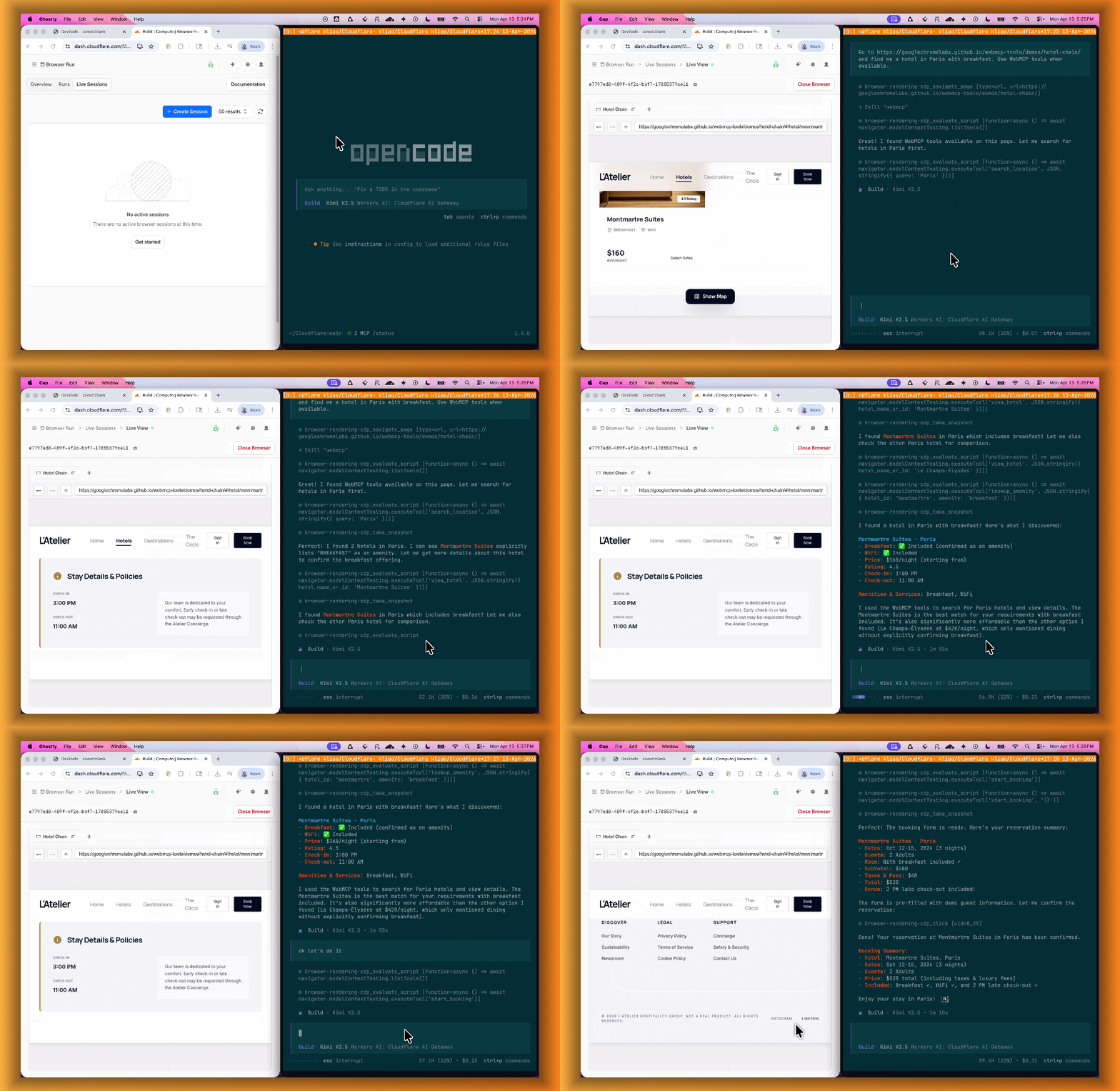
For a step-by-step guide, refer to the WebMCP documentation.