

Search for custom rules using rule name and/or ID
The Magic Firewall dashboard now allows you to search custom rules using the rule name and/or ID.
- Log into the Cloudflare dashboard ↗ and select your account.
- Go to Analytics & Logs > Network Analytics.
- Select Magic Firewall.
- Add a filter for Rule ID.
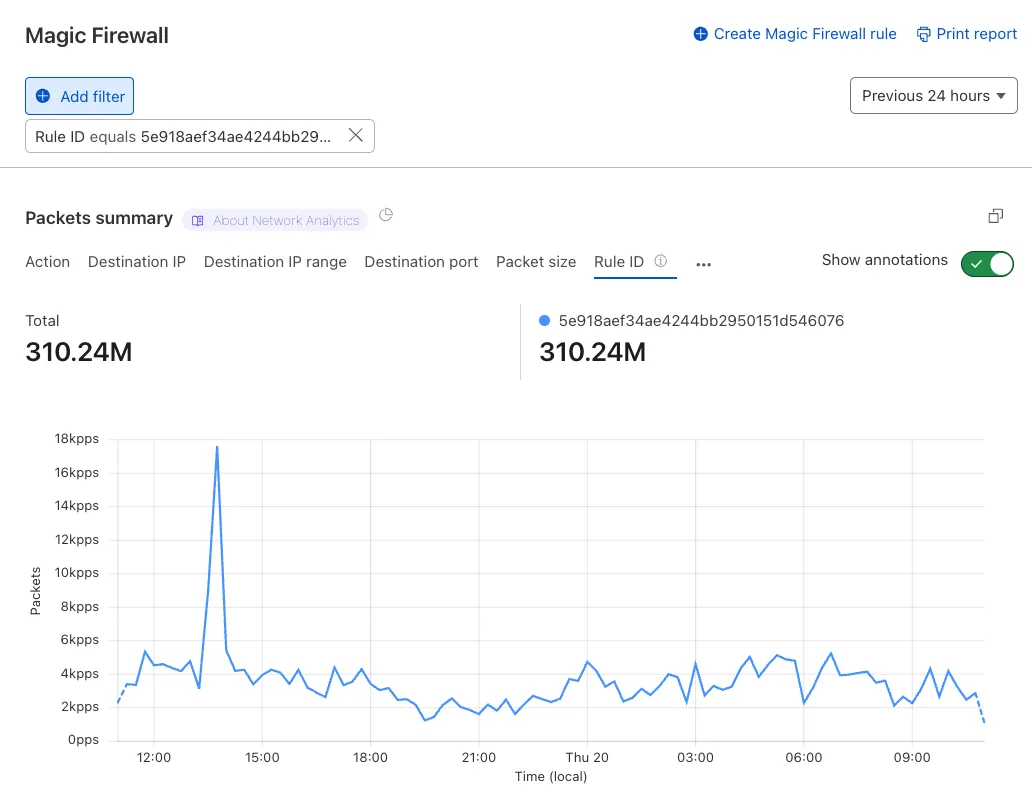
Additionally, the rule ID URL link has been added to Network Analytics.