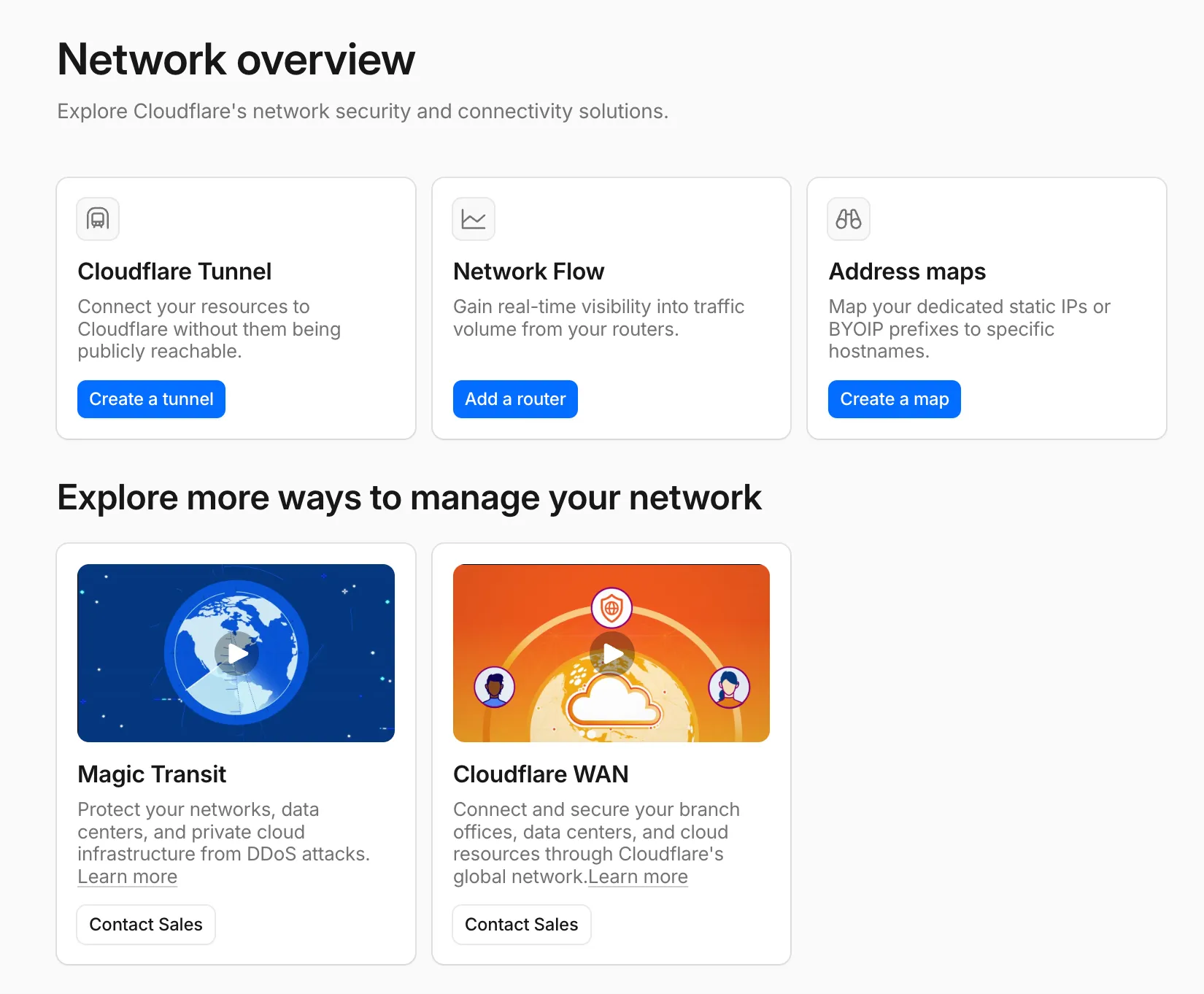
Network Overview page in the dashboard
A new Network Overview page in the Cloudflare dashboard gives you a single starting point for network security and connectivity products.
From the Network Overview page, you can:
- Connect resources with Cloudflare Tunnel - Create tunnels to connect your infrastructure to Cloudflare without exposing it to the public Internet.
- Monitor traffic with Network Flow - Get real-time visibility into traffic volume from your routers.
- Configure Address Maps - Map dedicated static IPs or BYOIP prefixes to specific hostnames.
- Explore Magic Transit and Cloudflare WAN - Set up DDoS protection for your networks and connectivity for your branch offices and data centers.
To find it, go to Networking ↗ in the dashboard sidebar.
If you already use Magic Transit, Cloudflare WAN, or other Cloudflare network services products, your existing experience is unchanged.